Watermark Studio Maker
A downloadable tool
Watermark Studio
Overview
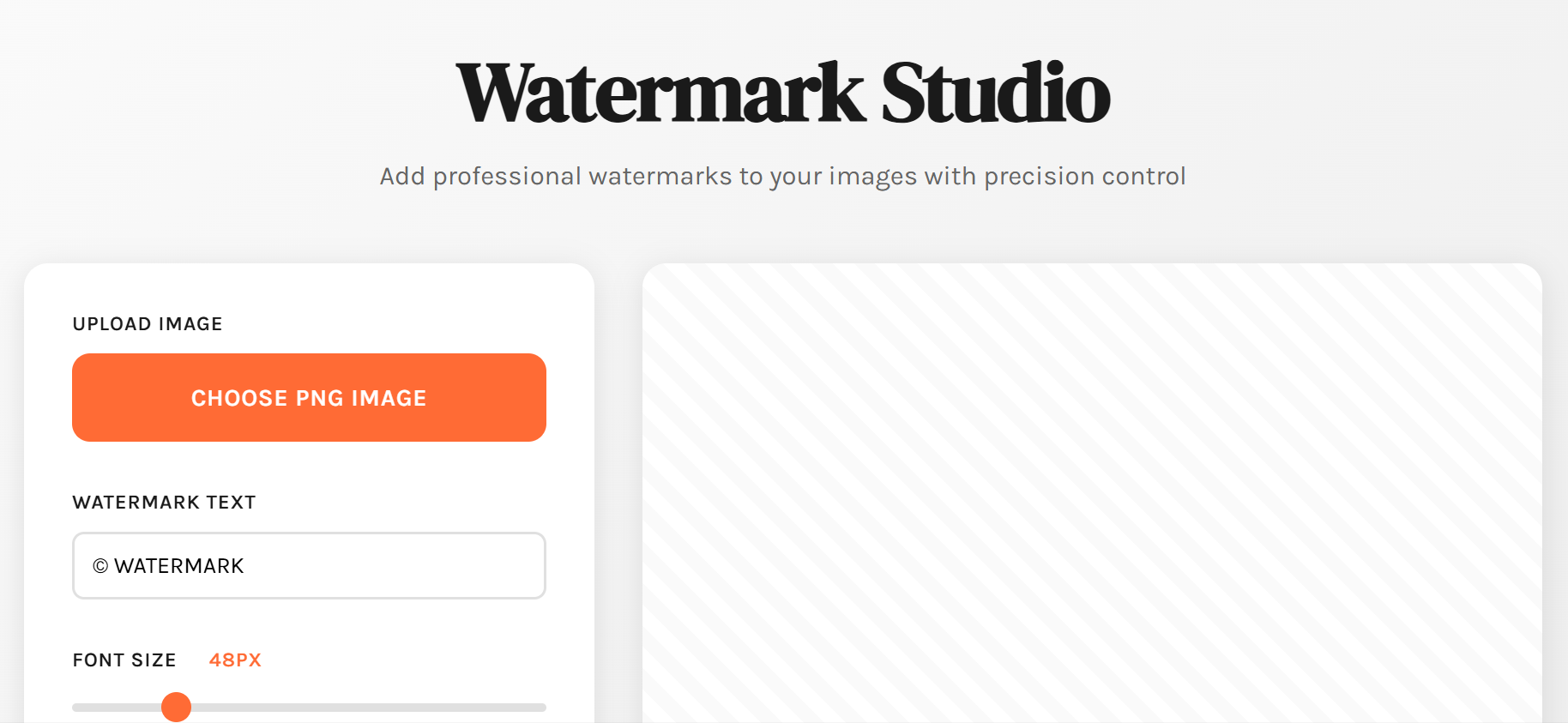
A browser-based watermark application that allows you to add customizable text watermarks to PNG and JPG images with full control over appearance and positioning.
Main Features
1. Image Upload
- Accepts PNG, JPG, and JPEG formats
- Click "Choose PNG Image" button to select your image
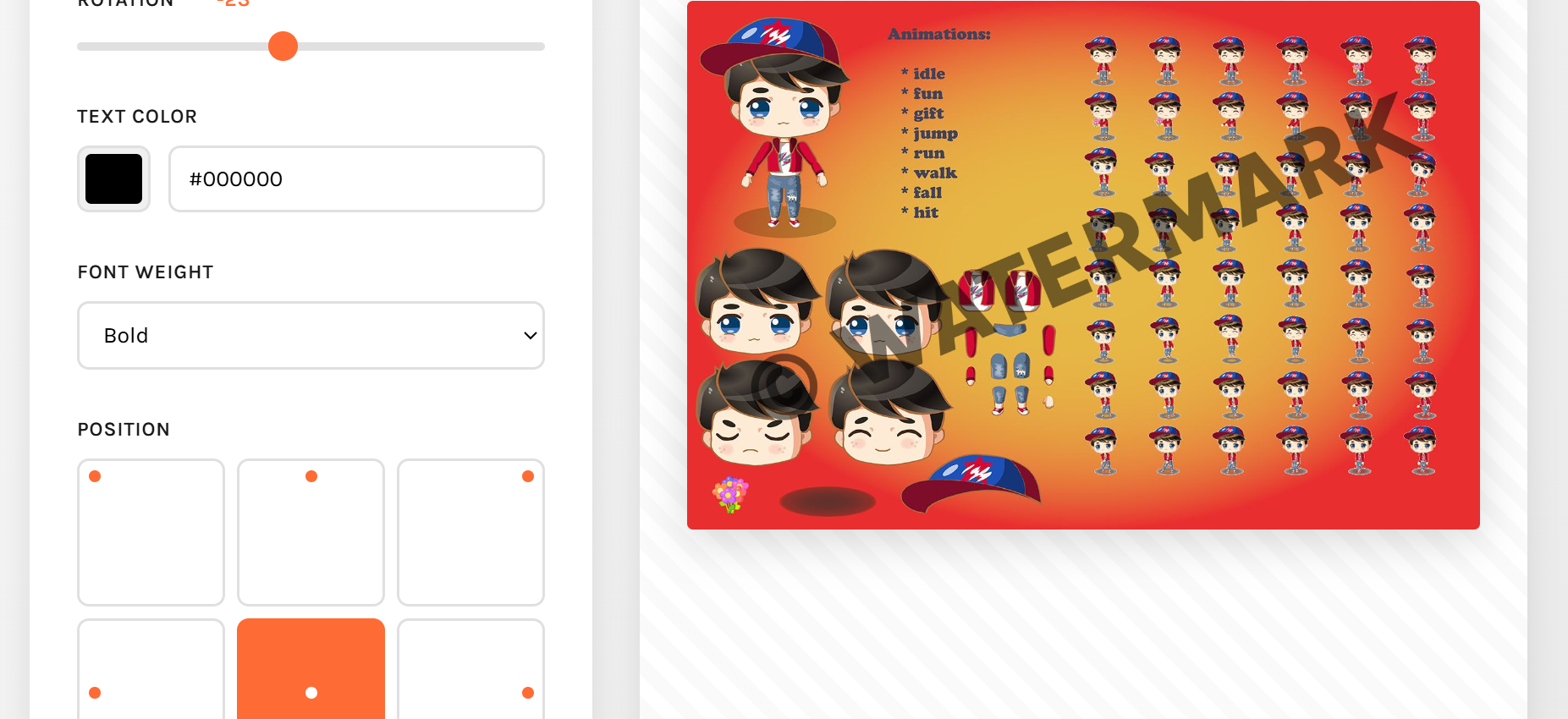
- Image displays immediately in the preview area
- Maintains original image resolution
2. Watermark Text
- Enter any custom text (copyright symbols, names, dates, etc.)
- Default: "© WATERMARK"
- Updates in real-time as you type
3. Font Size Control
- Range: 10px to 200px
- Slider with live preview
- Displays current size value next to slider
4. Opacity/Transparency
- Range: 0% (invisible) to 100% (fully opaque)
- Default: 50% for subtle watermarking
- Perfect for protecting images while keeping them viewable
5. Rotation
- Range: -180° to 180°
- Create diagonal watermarks
- Useful for corner-to-corner protection
6. Text Color
- Visual color picker
- Manual hex code input field
- Both inputs stay synchronized
- Default: White (
<span class="inline-block w-3 h-3 border-[0.5px] border-border-200 rounded flex-shrink-0 shadow-sm mr-1 align-middle"></span>#ffffff)
7. Font Weight
- 5 options: Light (300), Regular (400), Semi Bold (600), Bold (700), Black (900)
- Default: Bold for better visibility
8. Position Grid
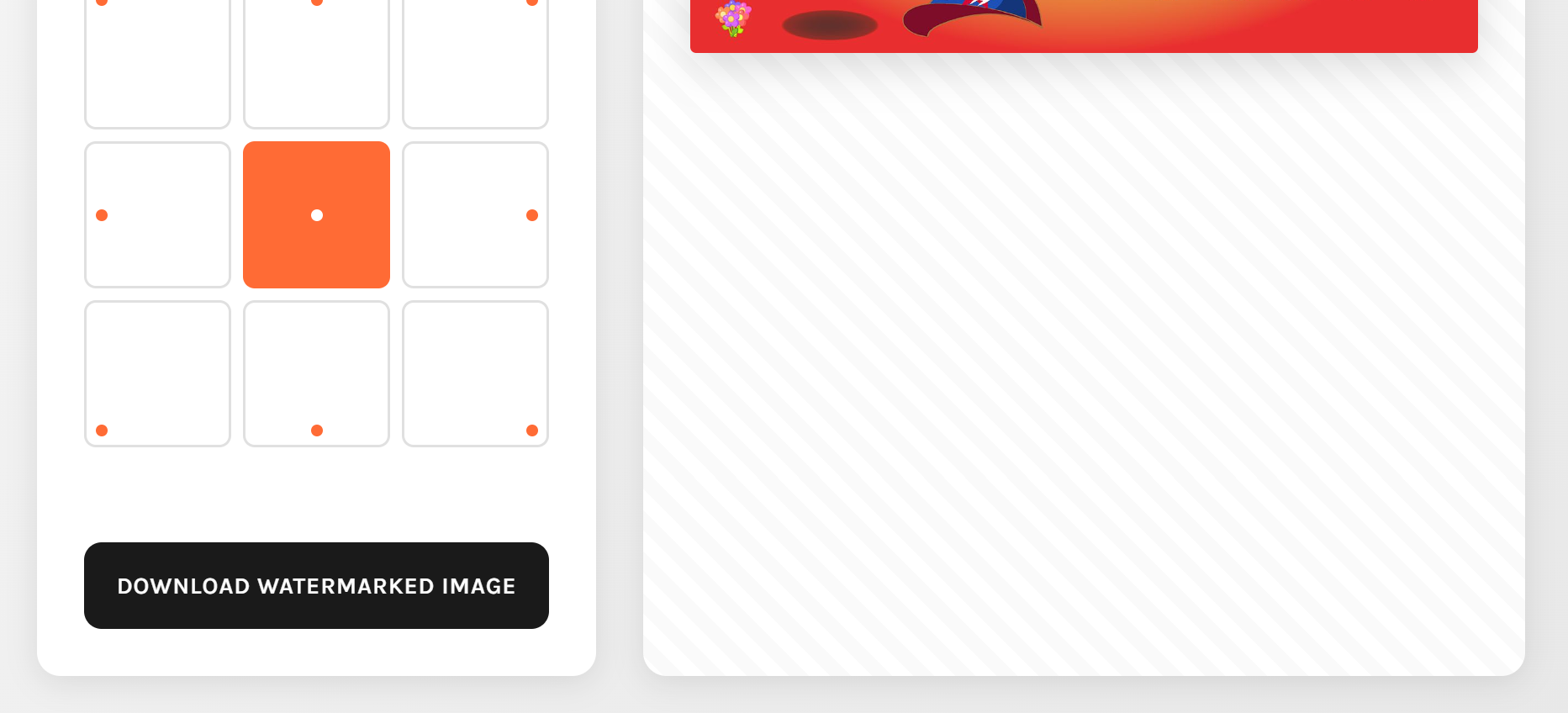
- 9-position placement system:
- Top row: Top-left, Top-center, Top-right
- Middle row: Middle-left, Center, Middle-right
- Bottom row: Bottom-left, Bottom-center, Bottom-right
- Visual grid interface with active state indicator
- Default: Center position
9. Download
- "Download Watermarked Image" button
- Exports as PNG format
- Preserves image quality
- Filename: "watermarked-image.png"
How to Use
- Open the HTML file in any modern web browser
- Click "Choose PNG Image" and select your image
- Customize your watermark using the controls:
- Type your text
- Adjust size, opacity, and rotation
- Choose color and font weight
- Select position on the grid
- Preview updates automatically as you make changes
- Click "Download Watermarked Image" when satisfied
- Save the file to your computer
Design Features
- Clean, professional interface
- Real-time preview with checkerboard background
- Sticky sidebar keeps controls visible while scrolling
- Responsive design works on desktop and tablet
- Smooth animations and transitions
- High-contrast color scheme for clarity
Technical Details
- Pure HTML/CSS/JavaScript (no dependencies)
- Uses HTML5 Canvas for image processing
- Preserves original image dimensions
- Works offline after initial load
- Compatible with all modern browsers
Best Practices
For Subtle Watermarks:
- Use 30-50% opacity
- Choose complementary colors
- Place in corner positions
- Use smaller font sizes (20-40px)
For Strong Protection:
- Use 70-100% opacity
- Center or diagonal rotation
- Larger font sizes (60-120px)
- High contrast colors
For Professional Look:
- Use © symbol with your name and year
- Semi Bold or Bold weight
- White or black color depending on image
- Bottom-right or bottom-center position
Purchase
In order to download this tool you must purchase it at or above the minimum price of $5 USD. You will get access to the following files:


Leave a comment
Log in with itch.io to leave a comment.